FreeTrial
14 day free trial
No credit card required
Unlimited client & firm accounts

Send a link to your branded portal in seconds.
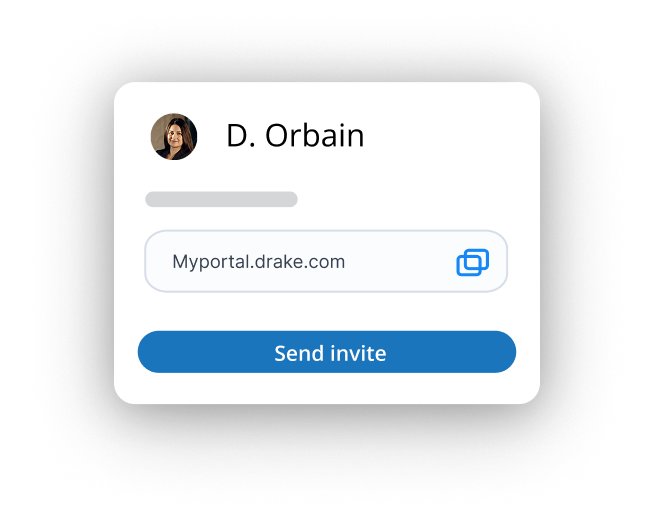
Clients can upload documents like W‑2s from any browser or device.
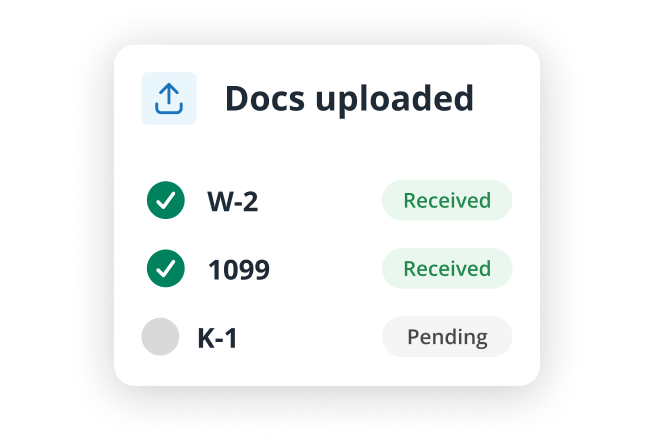
Review files, send secure messages, and request missing info in one place.
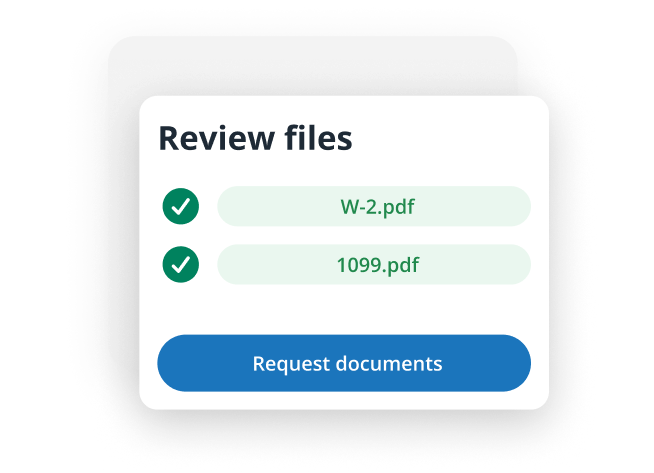
Keep communication, signatures, and files connected in one place.
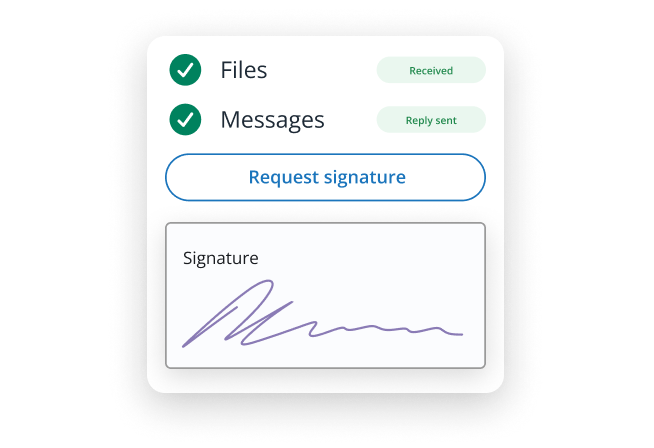
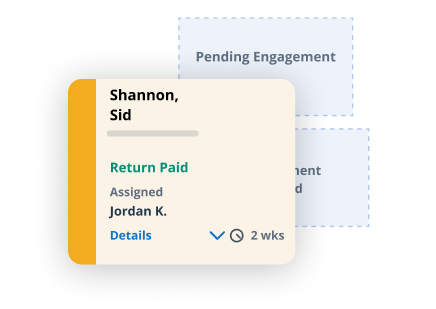
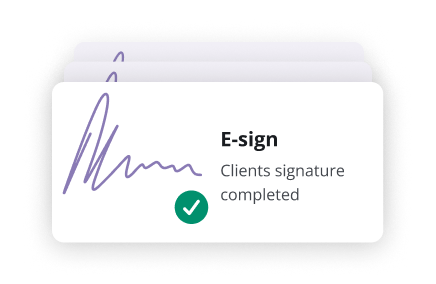
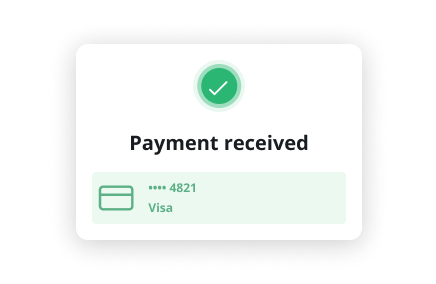
Pair Portals with other Drake tools to keep tasks, signatures, and payments connected.

14 day free trial
No credit card required
Unlimited client & firm accounts
5 GB of file-transfer space
Custom branding and portal URL
Unlimited client & firm accounts
5 GB of storage
Custom branding and portal URL
Unlimited client & firm accounts
All files are encrypted during transfer and at rest, and clients only have access to their own documents to help maintain confidentiality and compliance.
Absolutely. Drake Portals features a mobile-friendly interface that lets clients snap photos of W-2s or receipts and upload them directly from most any device.
Yes. You can personalize your portal with your company logo and a unique subdomain (e.g., YourFirmName.SecureFilePro.com) for a professional, branded experience.
Yes. The portal works on most modern web browsers and uses a simple, folder-based layout - making it easy for clients to upload, download, and manage their documents.
Client Checklists help you track which documents your clients have uploaded. Checklists are dynamic and based on the prior year's data entry. You can add or remove items by logging into your Drake Portals preparer portal and clicking the Checklist tab. Note that you cannot add or remove forms from within Drake Documents.
The Client Checklist improves efficiency in your tax practice by automatically tailoring itself based on the client's prior-year data. This dynamic approach helps ensure that only relevant forms and items are included, reducing guesswork and minimizing the risk of missing important information.
Document classification automatically identifies, sorts, and checks off client documents as they are uploaded, streamlining Client Checklist completion.
Yes. Drake Portals can be used to collect fees with a subscription to Drake Pay™.
Email is not a secure method for transmitting sensitive information. Tax documents often contain highly confidential data - such as Social Security numbers, income details, and bank information - that can be exposed if intercepted, sent to the wrong recipient, or accessed through a compromised email account.
Drake Portals subscriptions come at monthly and annual rates. Monthly: $49.95 Annual: $349.95 With our Practice Essentials bundle, you can save 40% off the combined regular retail price of Drake Portals, Drake Workflow, and Drake E-Sign. Practice Essentials: $599 ($1,000 value) Portals 25GB Workflow 200 Basic E-Signatures 50 KBA E-Signatures Practice Essentials Plus: $849 ($1,425 value) Portals 50GB Workflow Unlimited Basic E-Signatures 100 KBA E-Signatures
